Check in and out
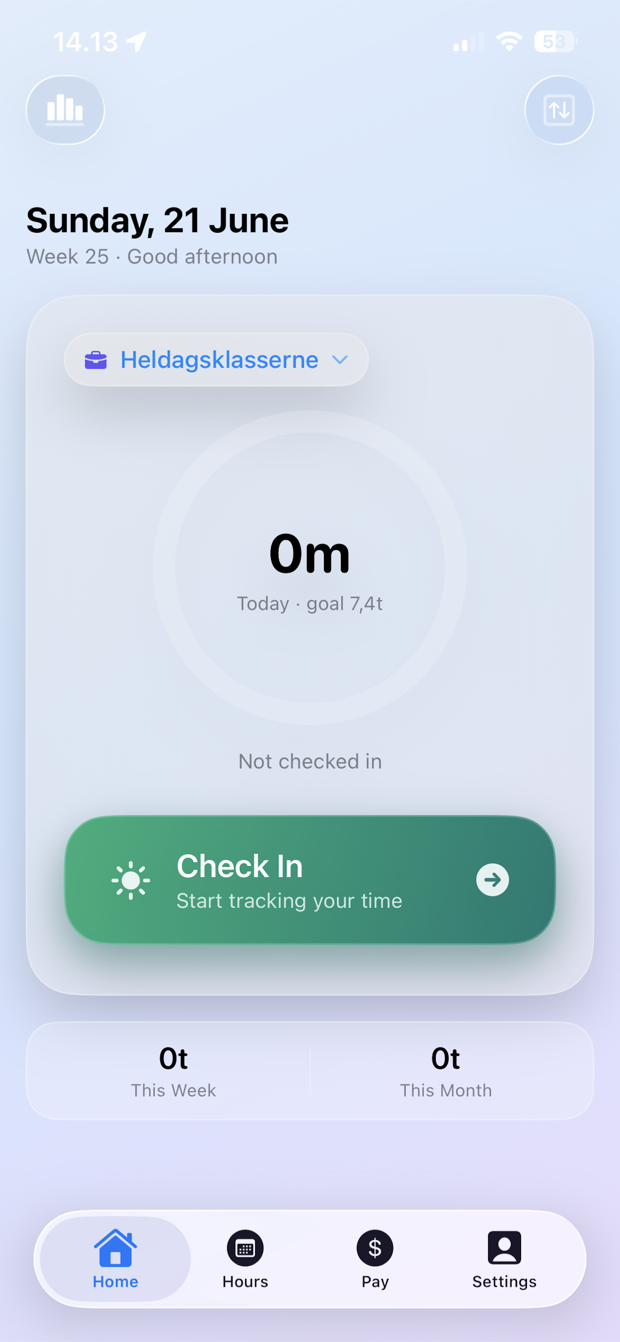
Start and stop a shift from the app, widget or your Apple Watch — and see your active shift as a live timer on the Lock Screen and in the Dynamic Island.
For pedagogues and social educators in Denmark
Track work hours, annual norm, public holidays, vacation, pay, shift supplements and overtime without keeping a spreadsheet on the side — from your phone or your Apple Watch.
Overview without spreadsheets
Start and stop a shift from the app, widget or your Apple Watch — and see your active shift as a live timer on the Lock Screen and in the Dynamic Island.
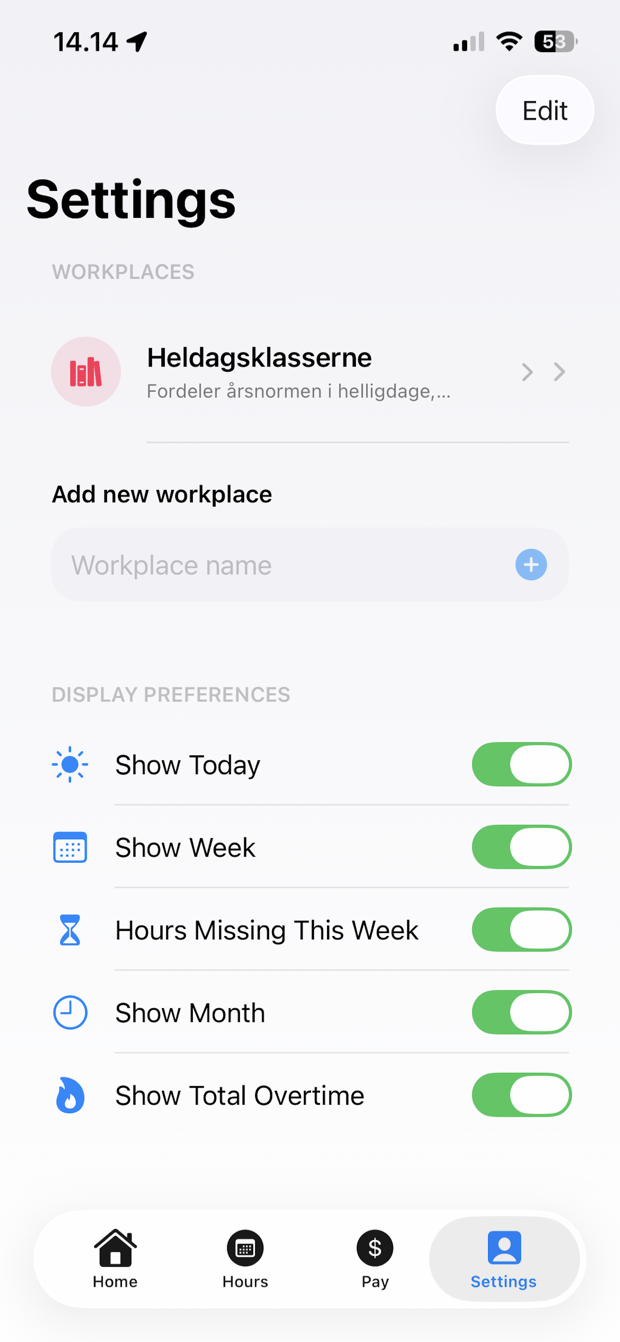
Keep workplaces separate with their own rules, targets, pay and history.
Evening, night, Saturday and Sunday are calculated automatically per Socialpædagogerne's rates — including the 8.11 % time-off share.
Hourly-paid substitute? See your expected payslip line by line — every supplement, pension and holiday pay — so you can catch errors.
Hours beyond your own norm are paid as overtime at +50 % — also part-time. ClockHub applies it automatically and explains the rules.
Export your hours as PDF or CSV with a full pay overview: base salary, overtime in kroner and supplements — ready as documentation.
Pedagogy students can track their 780 hours with progress, milestones and expected completion — absence counts, as the rules require.
A bell on the Home screen collects overtime, practicum milestones and reminders — so you never miss anything.
Quick answers about rates, overtime and your rights — right on your phone, fully private, with shortcuts to BUPL, SL and PLS.
Screenshots
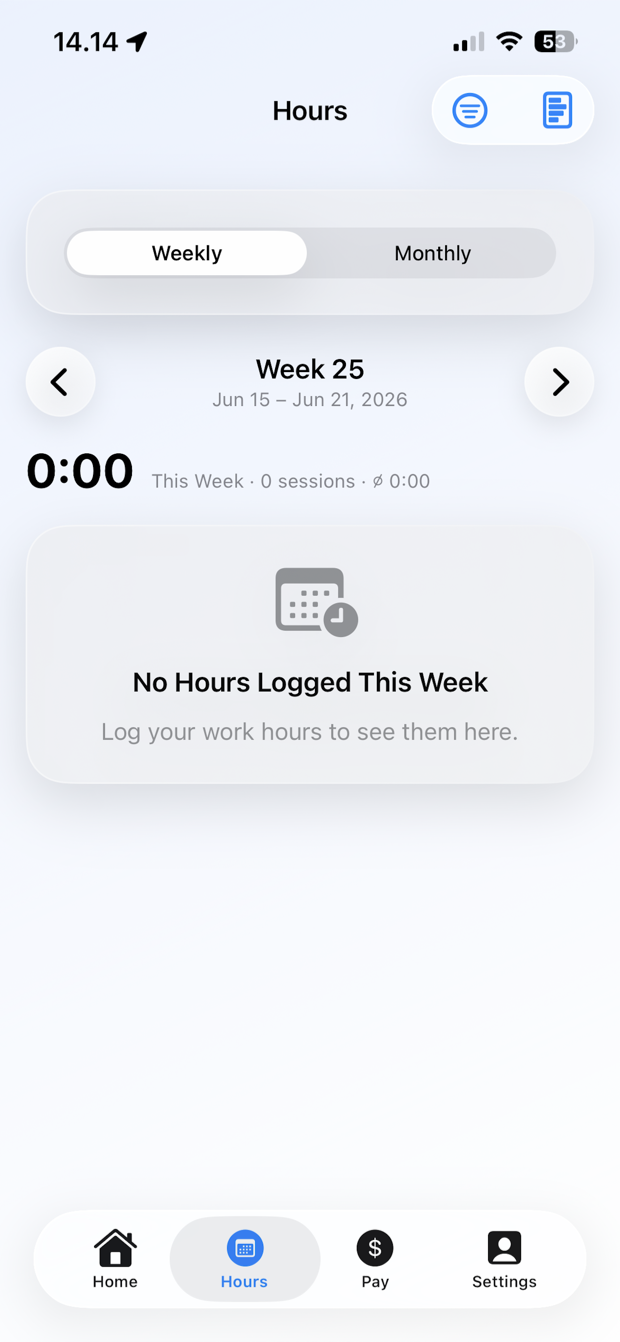
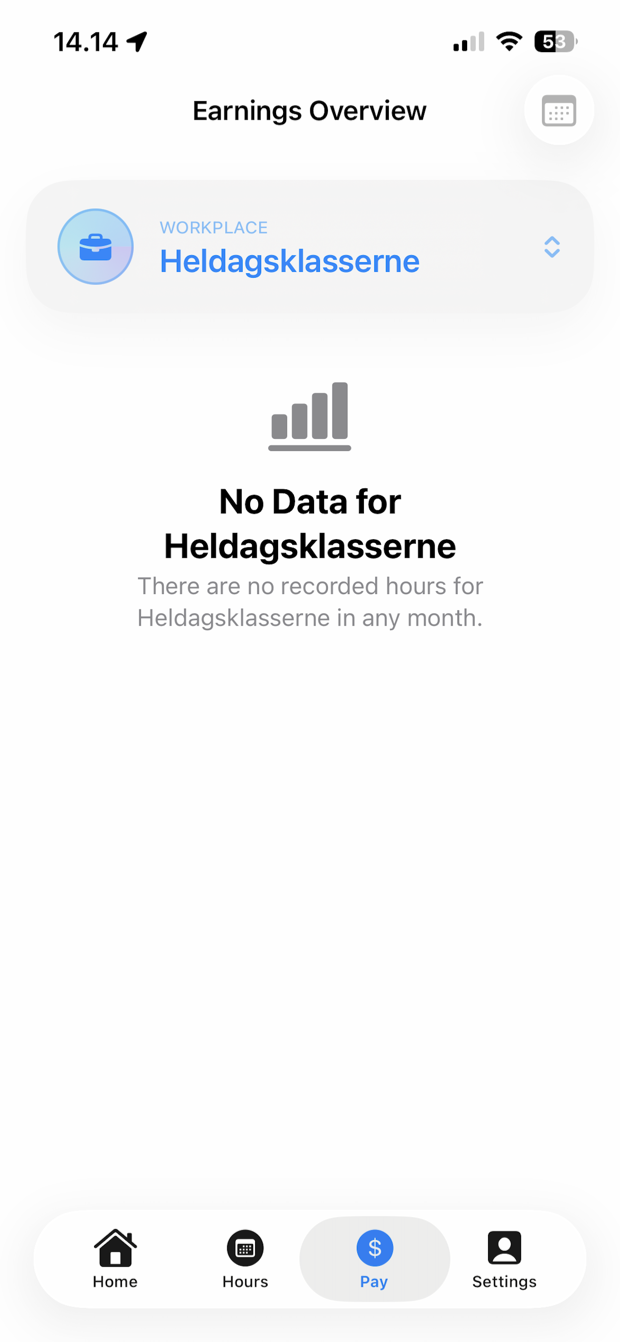
Home, hours, pay and settings are shown with the English app text.
Annual norm for pedagogues
The app can calculate norms for school years, custom periods and partial employment. Danish public holidays, vacation and pedagogical hours can be included, so you can see the number that actually matters: how many hours you have left.
Pay and overtime
Enter your monthly salary and ClockHub derives an hourly rate from your norm. In 24-hour care, shift supplements (evening, night, weekend) are added on top, and you can see your estimated take-home after tax — not just gross. When your salary changes, the history is stored by month while older periods keep their original rate.
Your data, your account
ClockHub syncs privately through your own iCloud account — and contains no analytics or tracking SDKs. The only things that touch the network are ad serving (with your consent; ClockHub Pro removes ads with a one-time purchase) and your own private iCloud sync. Even the built-in assistant, Ask ClockHub, runs 100 % on your own phone — your questions never leave the device.
Use ClockHub for daily tracking, monthly pay overview and the long view of your annual norm.